
Switching to another Legal Entity
To switch to another legal entity, click the "Legal Entity" dropdown from the top of the Equali dashboard and select the entity you would like to view.
If you do not see a dropdown with multiple options under the "Legal Entity" dropdown, you may only have one legal entity available.
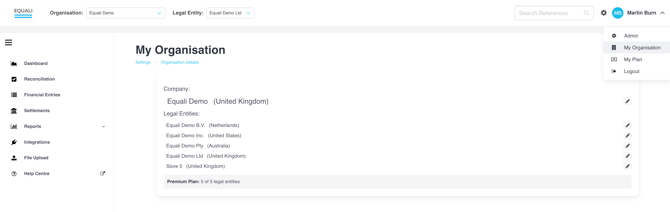
To check this, visit the "My Organisation" page by navigating to the page from the dropdown under your profile at the top right of the Equali dashboard. This will show you any legal entities that have been set up.
To set up another legal entity, follow the steps in this article.