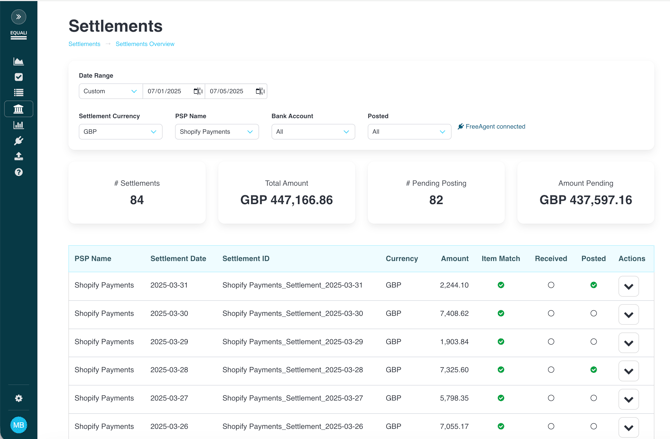
Equali streamlines eCommerce accounting by syncing payment, order and payout data across your eCommerce platforms and payment providers. Our platform automates reconciliations and generates categorised settlement breakdowns that can be posted automatically or manually to FreeAgent.
Shopify Merchants: Get Started
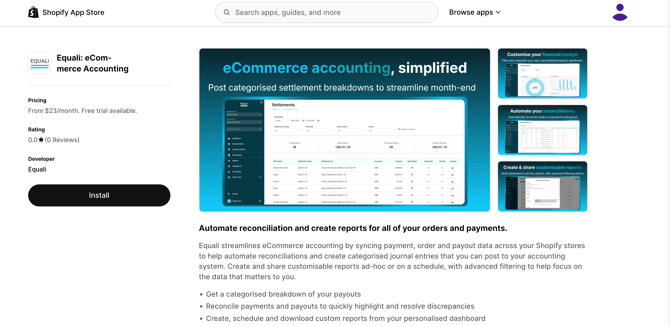
Step 1 - Install the Shopify app: Log into your Shopify store and visit the Equali app listing on the Shopify App Store here.
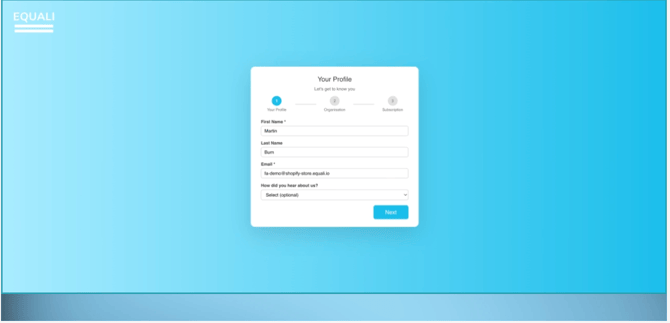
Step 2 - Create your profile: Create your profile by completing the Equali onboarding steps. Page 1 of the onboarding flow sets up your user profile, page 2 sets up your organisation and first store, and page 3 allows you to select a subscription plan.
Step 3 - Start your trial: Once you have selected a subscription plan and completed the Shopify checkout process, you will begin a 14-day trial. A popup will appear on screen with details about onboarding and how to get started.
Step 4 - Get started: You're in! We automatically create default mappings to simplify your settlement posting to FreeAgent. You can change these at any time by going to Settings -> Settlement Settings. You should speak with your accountant to ensure the mappings are relevant for your use case.